
Using BigBlueButton to record a Synchronous or an Asynchronous Lecture - (20 mins 54 secs)
Completion requirements
Please Note: Recorded video will not display immediately.
After you End the Meeting and Log out of your recordings, your recording will not display immediately. A 15 minute video took about 30 minutes to display on the Moodle page.
Downloading BigBlueButton Recordings
Navigate to the BBB recording
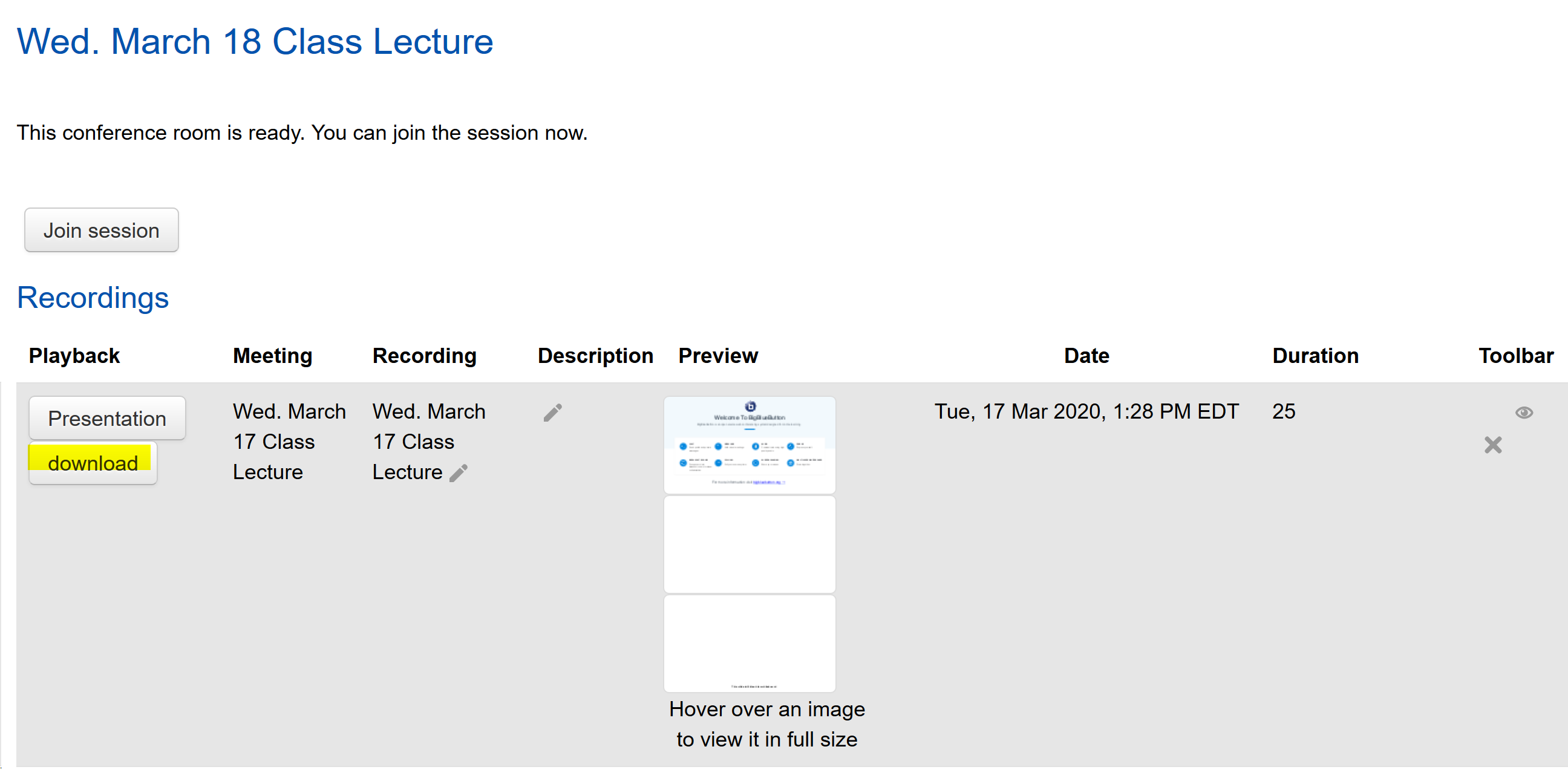
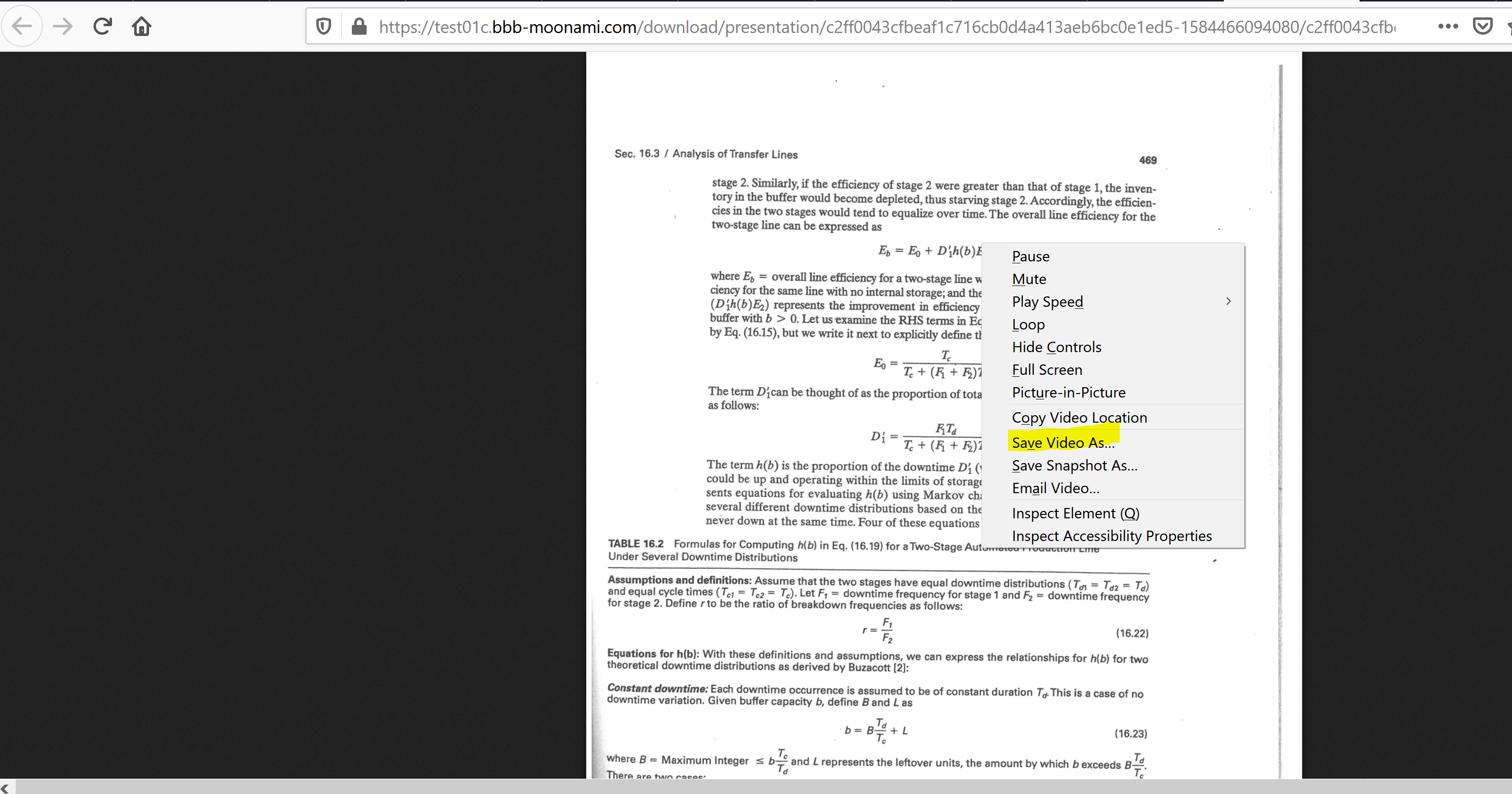
Point to any part of the presentation. In the picture below, point to any part of the page and right-click to save the video. The options that appear when you right-click depends on the browser that you are using.
Last modified: Wednesday, March 25, 2020, 6:25 PM